Deleting sections
To delete a section on your page:
1. Hover over the section you want to delete and click Delete
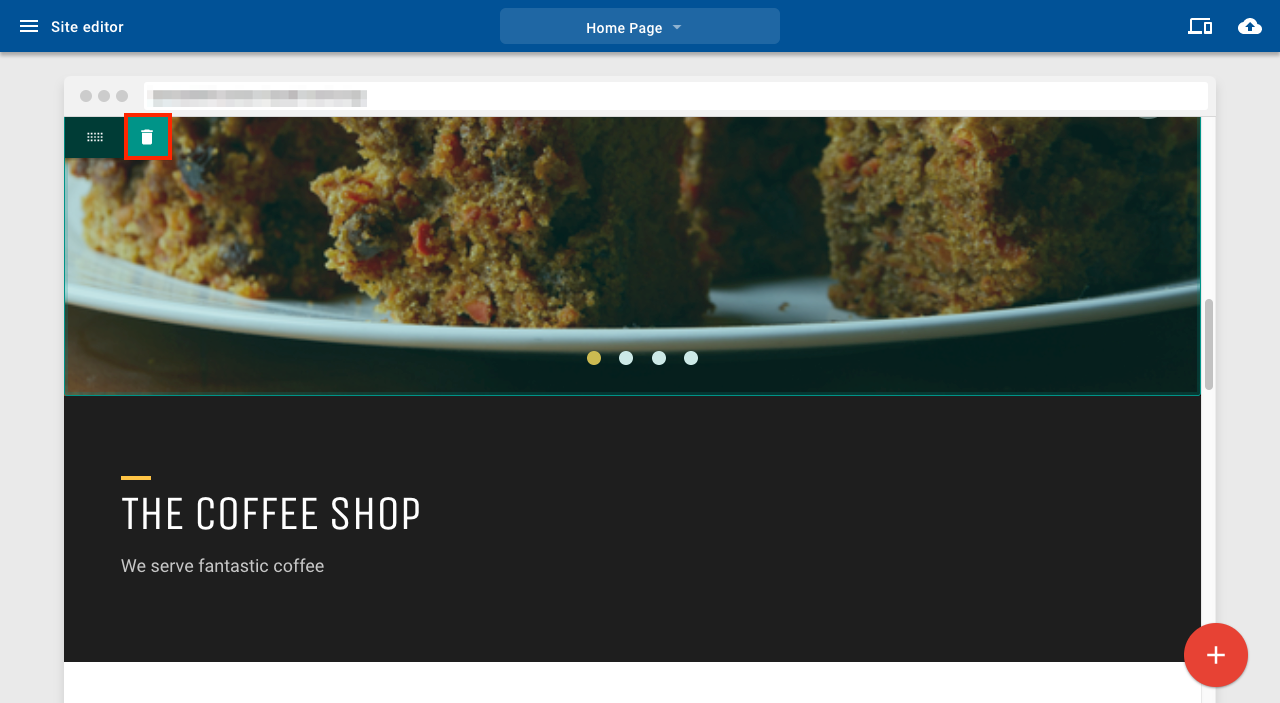
Delete section

To delete a section on your page:
1. Hover over the section you want to delete and click Delete
Delete section
Comments
0 comments
Article is closed for comments.